OrdoLux Demo
A 75-second narrated walkthrough of the core workflow, on real screens.
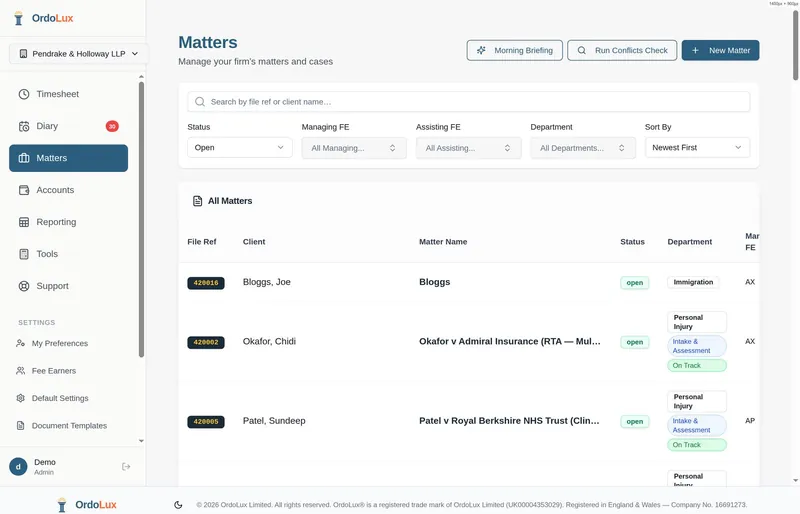
Every matter in the firm in one list. Filter by fee earner, status or department.
Tap the left or right of the screen to move back and forward.
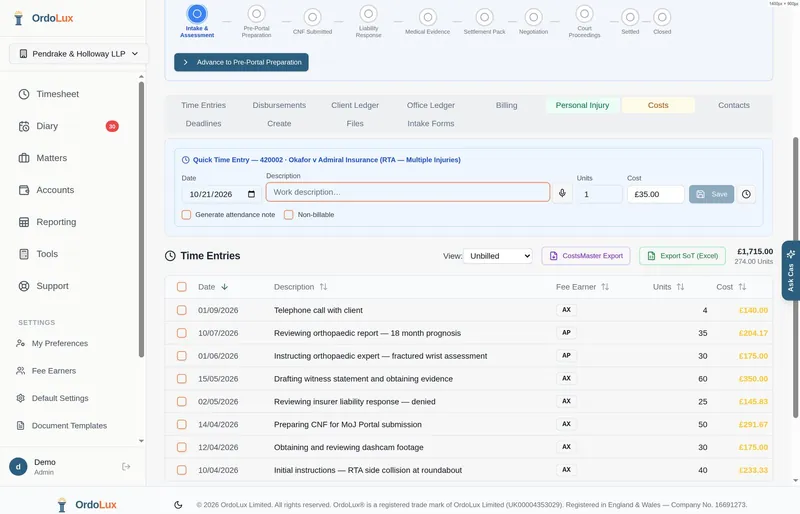
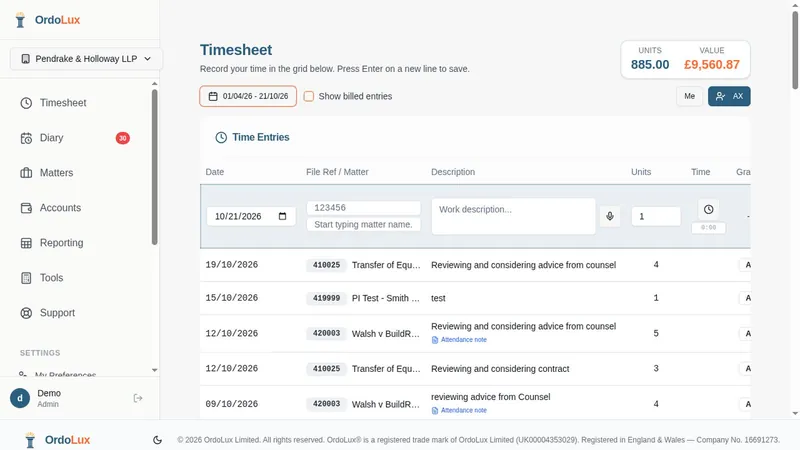
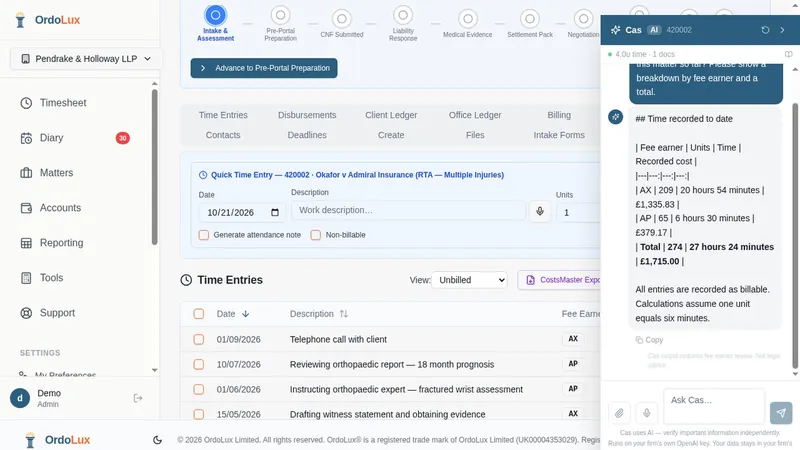
- Fast time entry with correct rates by fee earner grade
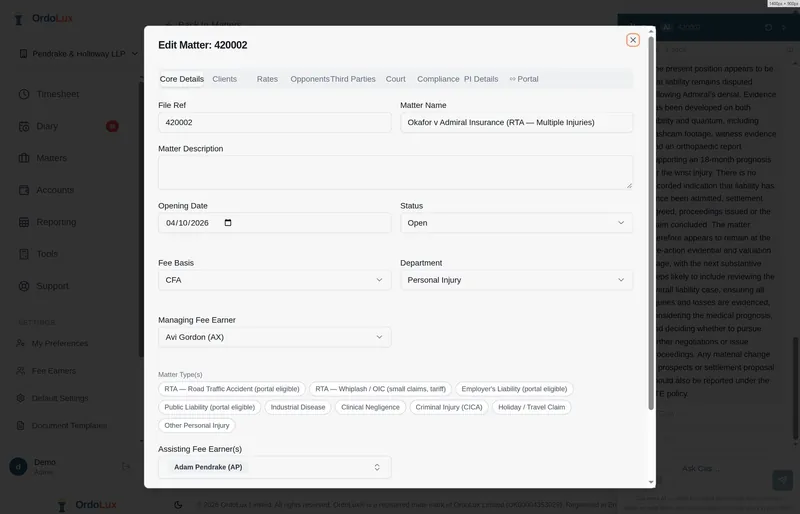
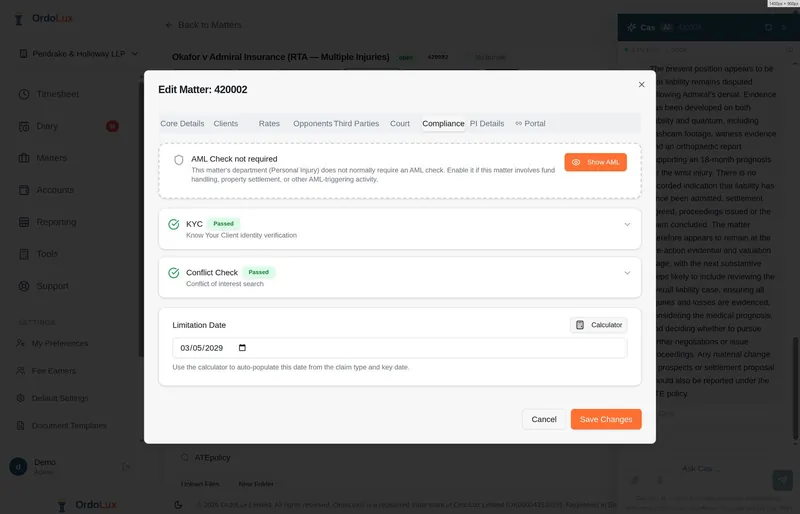
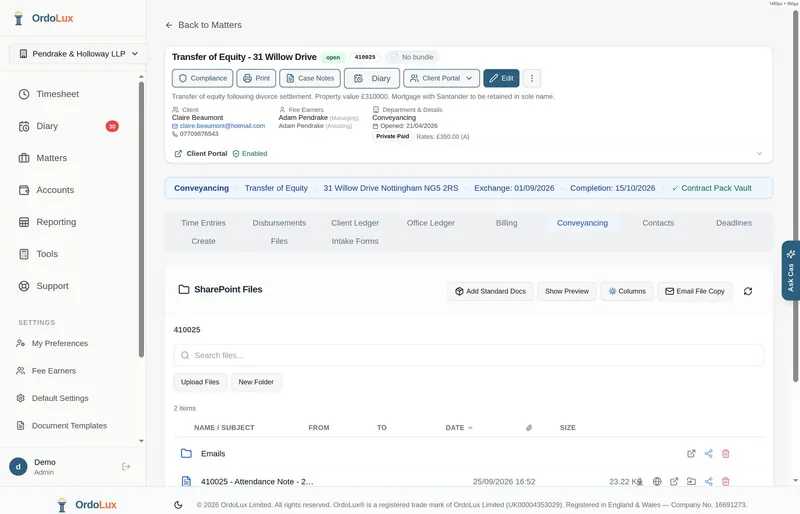
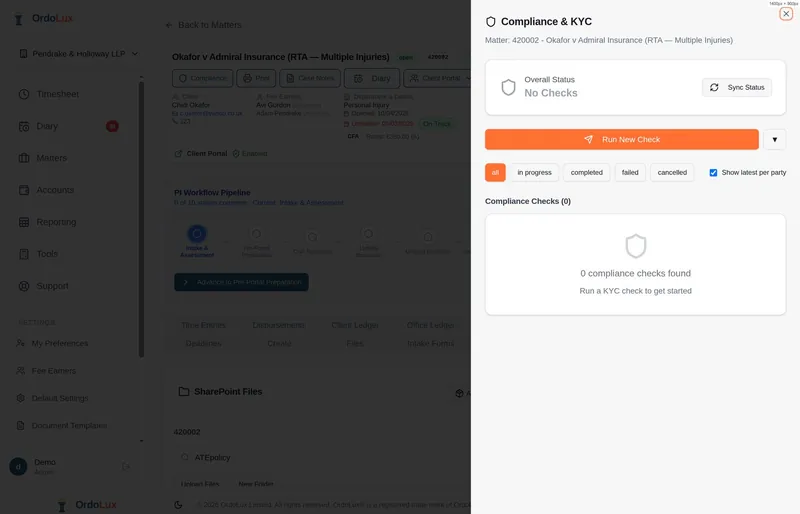
- Create matters quickly (clients, rates, compliance built in)
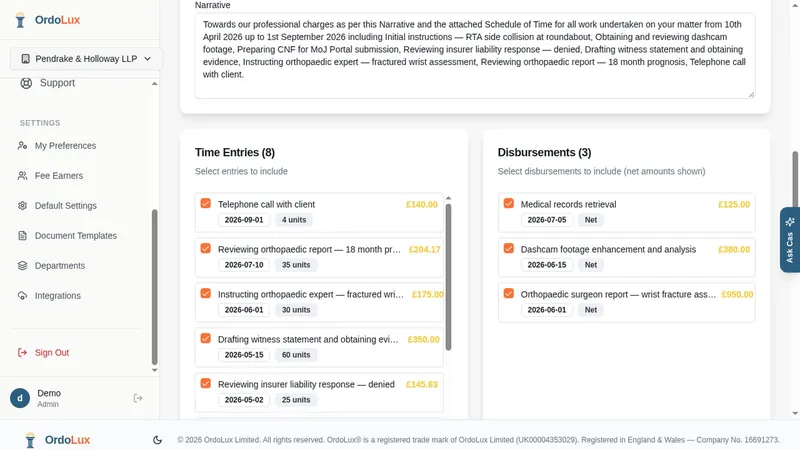
- Generate invoices from time entries and disbursements
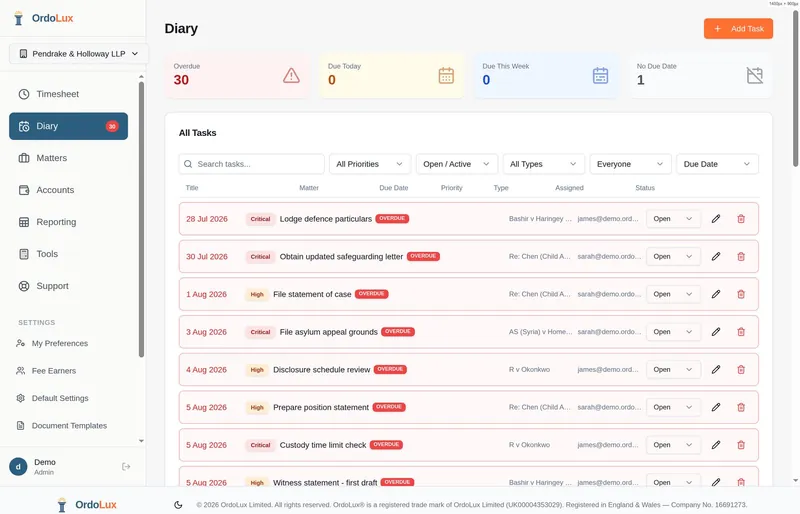
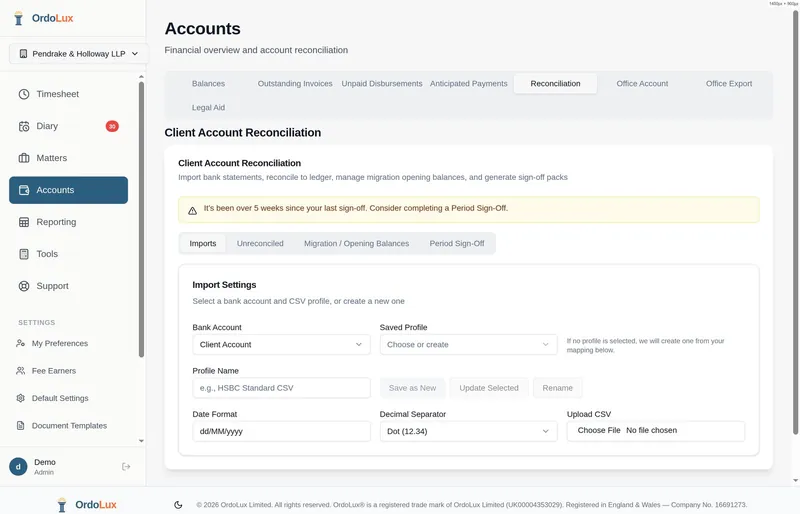
- Reporting & productivity dashboards
- Tools included (PDF, templates, Outlook, e-sign, AI research)
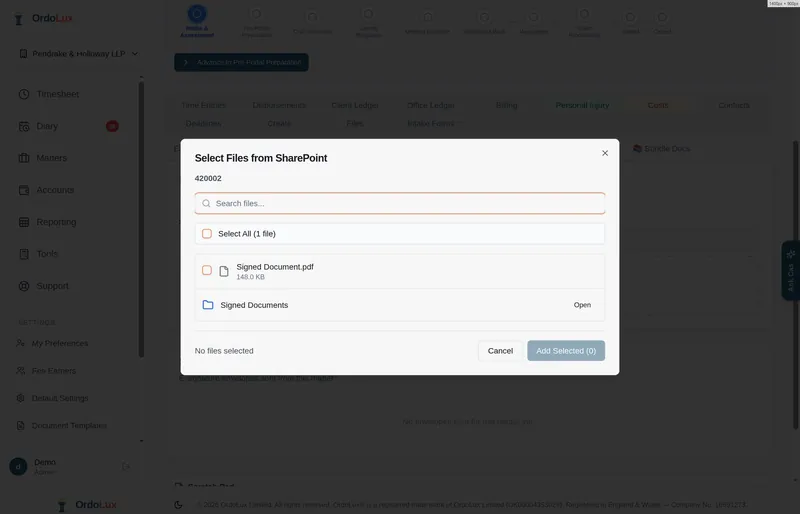
- Files stored in your Microsoft SharePoint — your data stays yours